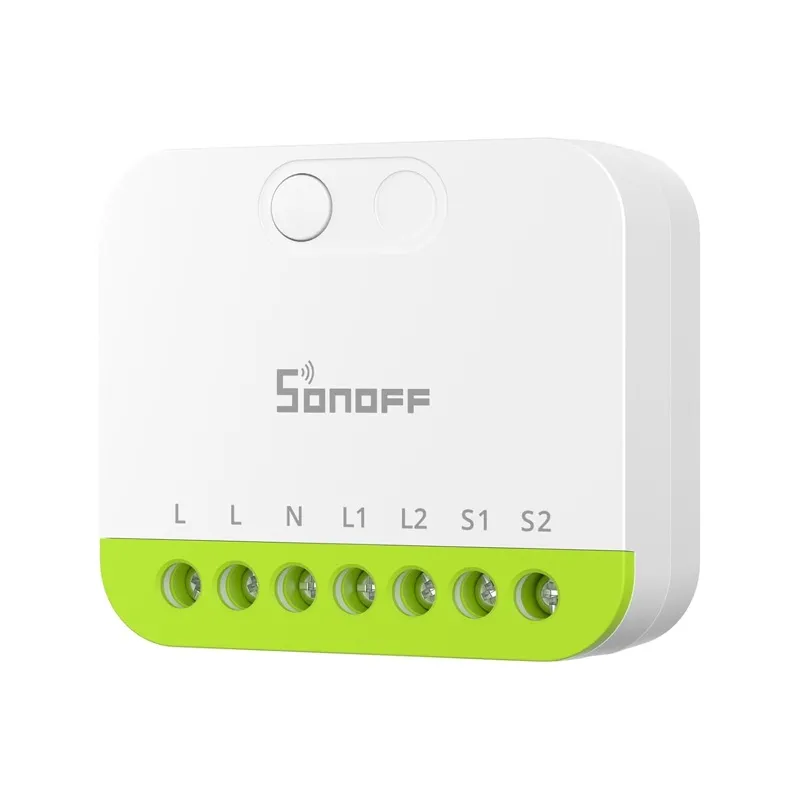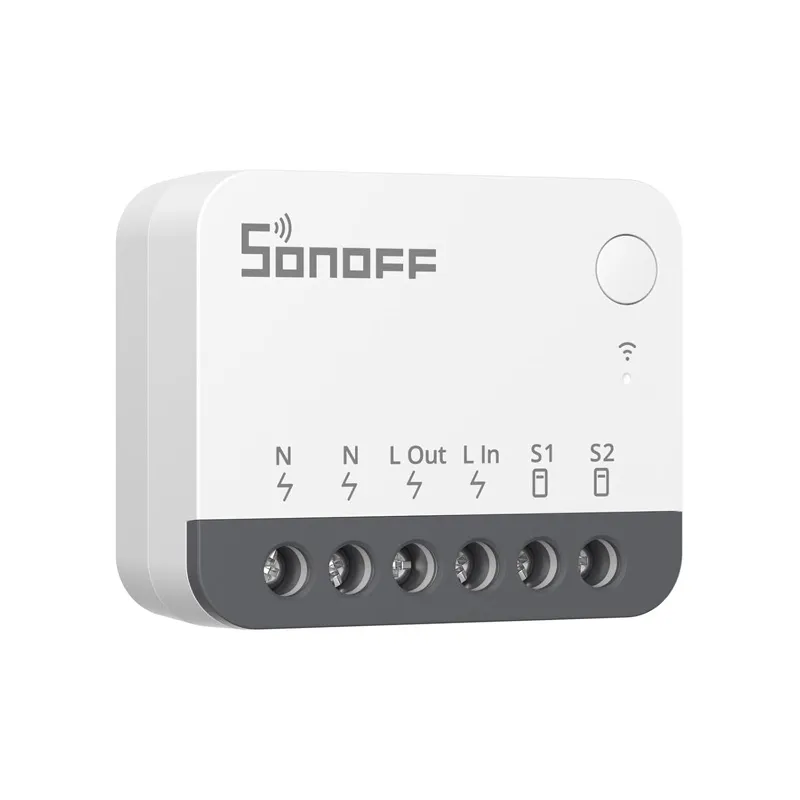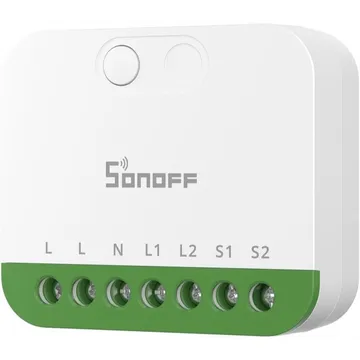
SONOFF MINI DUO 2-Gang Matter Over Wi-Fi Smart Switch
A two-channel Matter over Wi-Fi switch module, 16 A in total. Pairs with Apple Home, Alexa, Google Home and Home Assistant without a SONOFF hub.
Buy on Amazon UK for SONOFF MINI DUO 2-Gang Matter Over Wi-Fi Smart Switch (opens in a new tab)Buy on Amazon US for SONOFF MINI DUO 2-Gang Matter Over Wi-Fi Smart Switch (opens in a new tab)Buy on Amazon DE for SONOFF MINI DUO 2-Gang Matter Over Wi-Fi Smart Switch (opens in a new tab)includes affiliate links
Works with


Features
Features by hub: support differs between Apple Home, Home Assistant and others.
About
A compact two-channel switch module for a wall box, rated 16 A across both channels. It speaks Matter over Wi-Fi, so any Matter controller can run it, and detach relay mode splits the wall switch from the relay.
Pairing
- Hold the button for 5 seconds until the LED flashes two short and one long. Pairing stays open for 10 minutes.
- Then in Apple Home
- Open the Home app, tap +, then Add accessory.
- Scan the Matter code from the device or its app, or enter it by hand.
- Pick a room and give the device a name.
- Hold the button for 5 seconds until the LED flashes two short and one long. Pairing stays open for 10 minutes.
- Then in Home Assistant
- Go to Settings → Devices & services and choose Add integration.
- Pick Matter, then choose Add device.
- Enter the pairing code from the device or its app.
- Hold the button for 5 seconds until the LED flashes two short and one long. Pairing stays open for 10 minutes.
- Then in Google Home
- Open the Google Home app, tap +, then Set up device.
- Choose New device, then scan the Matter code from the device or its app.
- Pick a home and a room, then give the device a name.
- Hold the button for 5 seconds until the LED flashes two short and one long. Pairing stays open for 10 minutes.
- Then in Amazon Alexa
- Open the Alexa app, go to Devices, then tap +.
- Choose Add device, then Matter, and scan the code from the device or its app.
- Add the device to a group and give it a name.
About 2 minutes. Put the device into pairing mode first, then add it to your hub.